> For the complete documentation index, see [llms.txt](https://documentation.panomics.bio/documentation/llms.txt). Markdown versions of documentation pages are available by appending `.md` to page URLs; this page is available as [Markdown](https://documentation.panomics.bio/documentation/access-control/recipes/guests-by-domain.md).
# Guests by domain
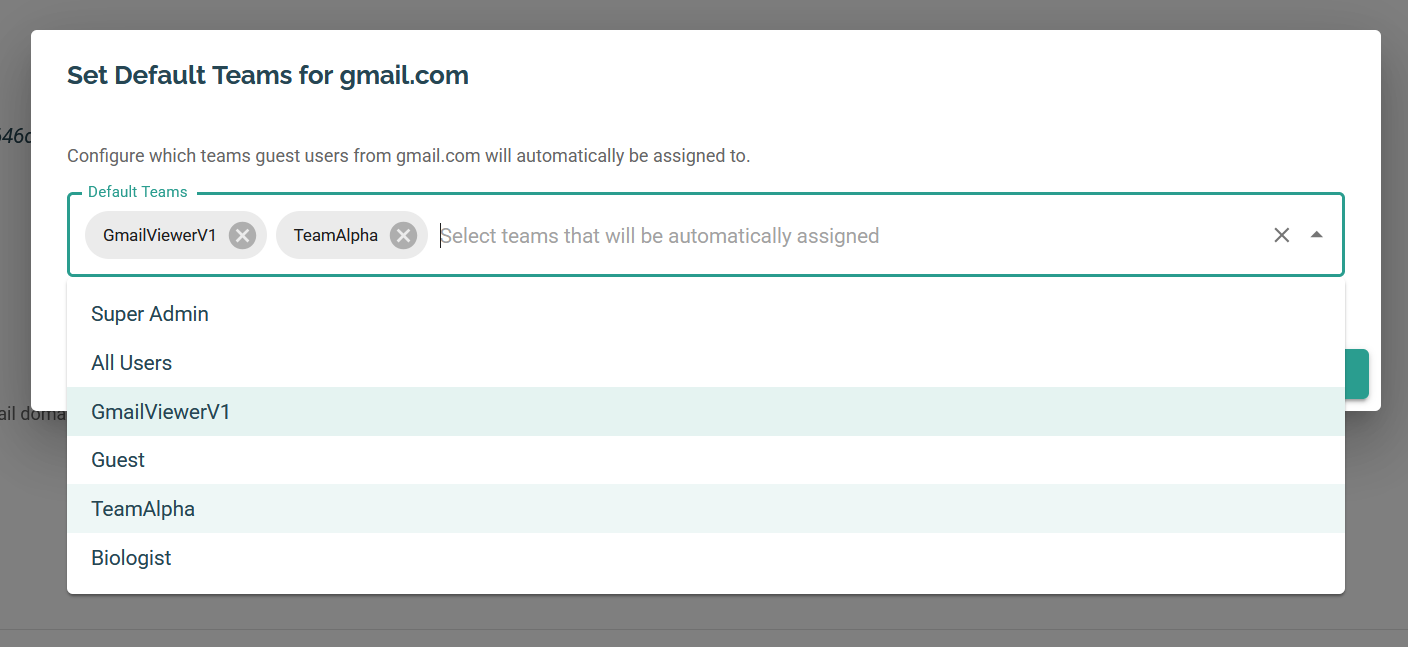
**When to use:** Auto-organize guest users and grant per-company access.
## What you'll grant
* In **Org Settings**: map `@domain` → guest team
* Grant that team needed actions on Projects/Analyses
## Steps
1. Create guest teams (e.g., `Acme-Guests`)
2\) Add domain rules in \*\*Org Settings\*\*
3\) Grant team access on target Projects/Analyses
## Verification
New guests land in the right team and see only what you granted.
## Roll-back
Remove domain rules and/or team grants.